For TarsiCanvas, Illustrator, Figma and Inkscape
PNG to SVG with real layers.
Each object in your picture comes out as one group: a whole base, its parts on top, its line art on a layer of its own. Select it once and it moves whole.
While you wait: take a real result apart, or tell us what you need.
Thanks: noted.
Nov2026
The pictures on this page are real results. Download them, free.

Layers
Every object is its own group.
Lift its layers apartOne object, lifted out of the file.
1Base
A whole shape under it.2+ parts
Shading and details on top.3+ line art
Its line art, its own layer.
Convert an image to SVG with layers
A flat SVG is one long list of shapes. TarsiLabs groups the file the way you see the picture: by object. On the coffee sticker the cup is one group, the lid another and the heart a third, each listed in your editor’s layers.
Inside every group the order is the same: one whole base shape at the bottom, the shading and details on top of it, and the object’s line art as a group of its own. Hide the line art for a flat look or recolour the lid: each part is a shape of its own, so a new colour stays inside it.
- The groups open as layers right here in TarsiCanvas, and in Illustrator, Figma and Inkscape, named object_01, object_02 and so on in paint order. Rename them as you work.
- Upload a PNG, JPG or WebP up to 10 MB. Previews are free; you pay only for the pictures you keep.
- Flat illustrations, stickers, logos and icons give the cleanest layers.
Check the layers
right here, or in your editor.
The coffee sticker from the top of this page, unedited. Open it in TarsiCanvas in this tab, or download it for the app you use.
- TarsiCanvas, right hereNo install, no account: hide a layer, recolour a part, then download the file as you left it. Open it in TarsiCanvas
- IllustratorFile > Open, then Window > Layers. Each part is a group you can select, hide or recolour.
- FigmaDrag the file onto the canvas. The groups show in the Layers list, named object_01, object_02 and so on.
- InkscapeFile > Open, then Layer > Layers and Objects. Each object opens as a layer of its own.
Inside the file, bottom to top.
Three kinds of shape, painted in this order. Lift them apart, or hide one to see what is under it.
- Base shapesEach object starts as one whole shape, background included.
- Shapes on topShading, highlights and details, each sitting on its base.
- LinesEach object’s line art, on top of its parts. Line art that several objects share sits in one group above them.
Pull out any part.
Four more results, unedited. Each card lifts one part out of the SVG; the shape it sat on is still whole. See all the examples.
-


PNG Capybara mascot: compare it, zoom in and take it apart
The orange comes off its head. The head under it is whole.
-


PNG Turbo snail: compare it, zoom in and take it apart
Every letter of TURBO is its own shape.
-

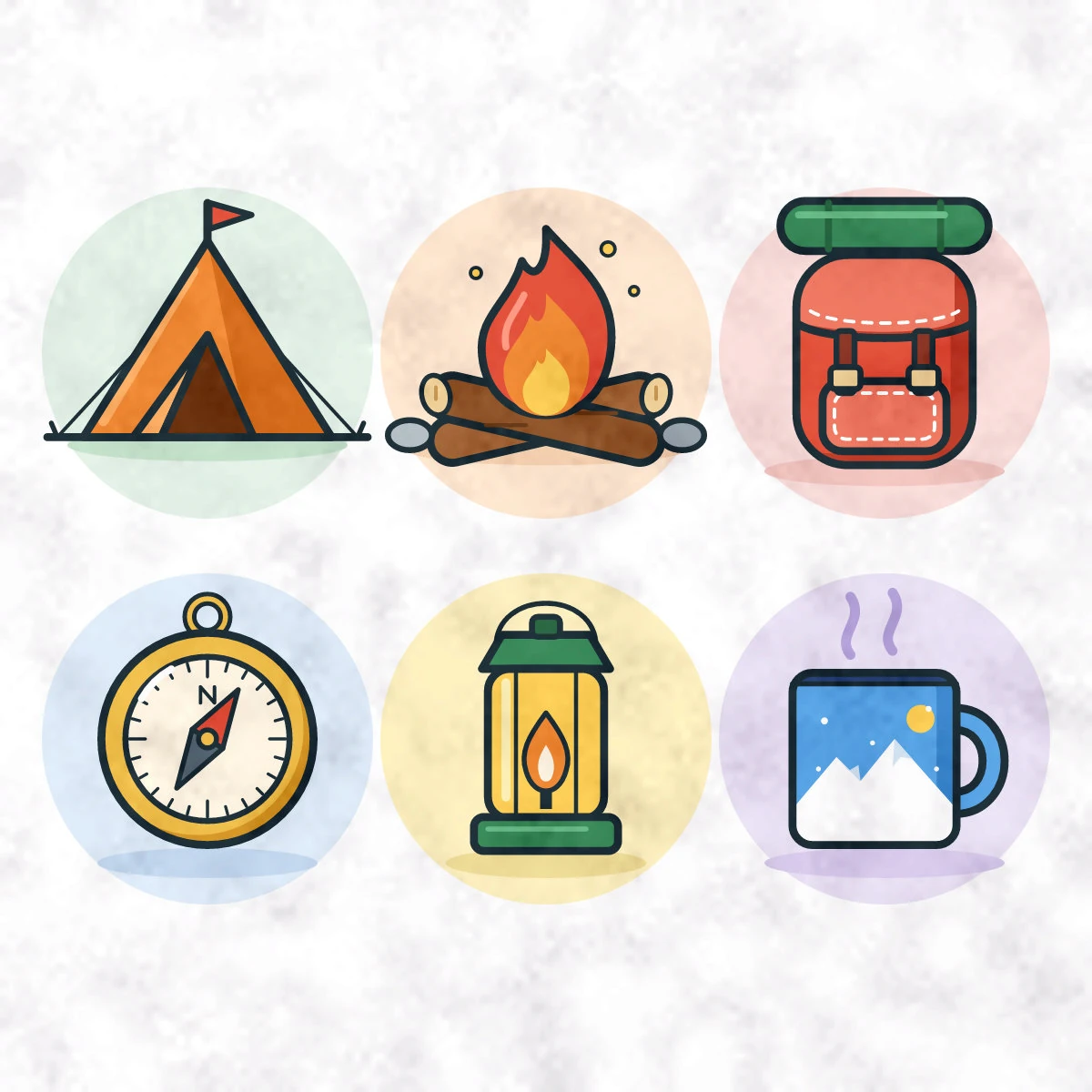
PNG Camping icons: compare it, zoom in and take it apart
Each icon is its own group, its round backdrop included.
-


PNG Ramen bowl: compare it, zoom in and take it apart
The chopsticks come out of the noodles in one piece.
Preview free. Then keep as many as you need.
The prices at launch, in November. After your first free pictures: unlimited pictures with a 7-day pass or Creator, under fair use.
See all plansFree
$0
With an account
- Preview every picture
- Your first 3 pictures, free
- Kept pictures stay in your account
7-day pass
$4.99 / 7 days
Unlimited pictures, fair use
- For 7 days from when you buy it
- For a one-off job
- One payment, no subscription
Best for most people
Creator
$6.30 / month$63 / year
First 3 months, founding offerFirst year, founding offer: $5.25 a month
Then $9 a month, the regular price at launch.Then $90 a year, the regular price at launch (2 months free).
- Unlimited pictures, fair use
- For regular work
- Cancel anytime
Prices in USD. Waitlist members get 30% off Creator when they take it in the first 14 days after we open. Details.
Layer questions,
answered.
What designers ask before they convert. More in the full FAQ.
Do the layers show up in Illustrator, Figma and Inkscape?
Yes. Every object is a group with its own name, and its line art is a group inside it. Illustrator and Figma list them in the Layers panel; Inkscape opens them as layers.
How are the layers named?
By number, in the order they are painted: object_01 at the bottom. Its lines are object_01_lines. Rename them as you like; names don’t change how anything looks.
What does “grouped by object” mean?
Each thing in the picture is one group. Inside it, one whole shape sits at the bottom, its shading and details sit on top, and its line art is a group of its own. Select the group and the whole thing moves or hides together; delete a detail and there is no hole under it.
Can I check the layers before I pay?
Yes. The sample above downloads without an account. From November, previews of your own pictures are free once you sign in, and a new account’s first 3 pictures are free.
Which pictures give the cleanest layers?
Flat illustrations, stickers, mascots, logos and icons with clear outlines. Photos convert, but they don’t split into useful parts.
Can I use it for layered Cricut projects?
Cricut Design Space imports SVG files; we haven’t checked yet how it shows our groups. TarsiLabs isn’t tuned for cut-and-stack cardstock: very small parts may be too fine to cut.
See your own picture
in layers.
Opens in November. Waitlist members get 30% off Creator when they take it in the first 14 days after we open.