No pixels to run out of.
Curves stay smooth and edges stay crisp, on a phone icon or on a billboard.
Opens in November 2026
Turn a PNG, JPG or WebP into a layered SVG you can scale, recolour and edit right here in TarsiCanvas, or in Illustrator, Figma and Inkscape.
While you wait: take a real result apart, or tell us what you need.
Thanks: noted.
Nov2026
Every sample in the window is a real result. Download any of them, free.
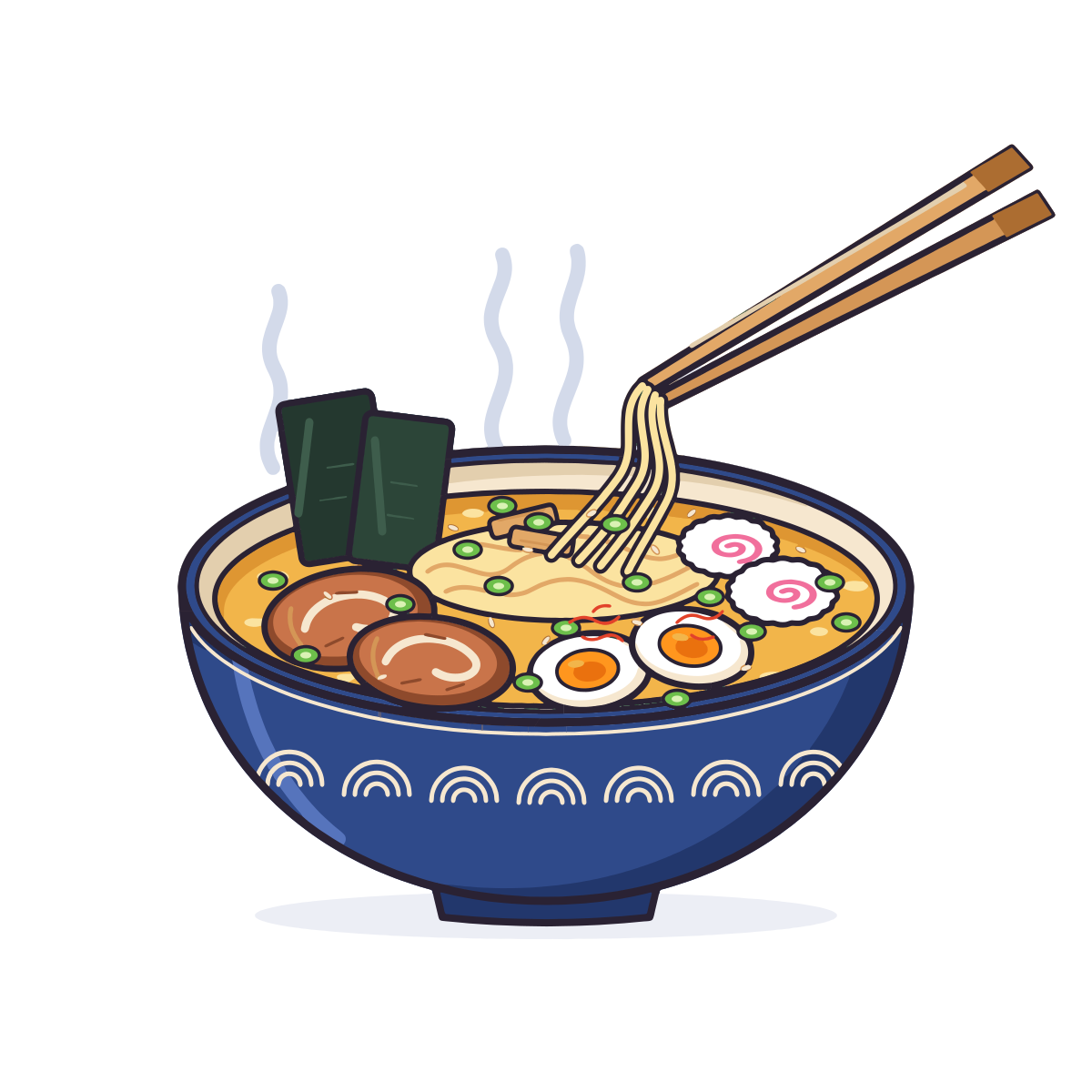
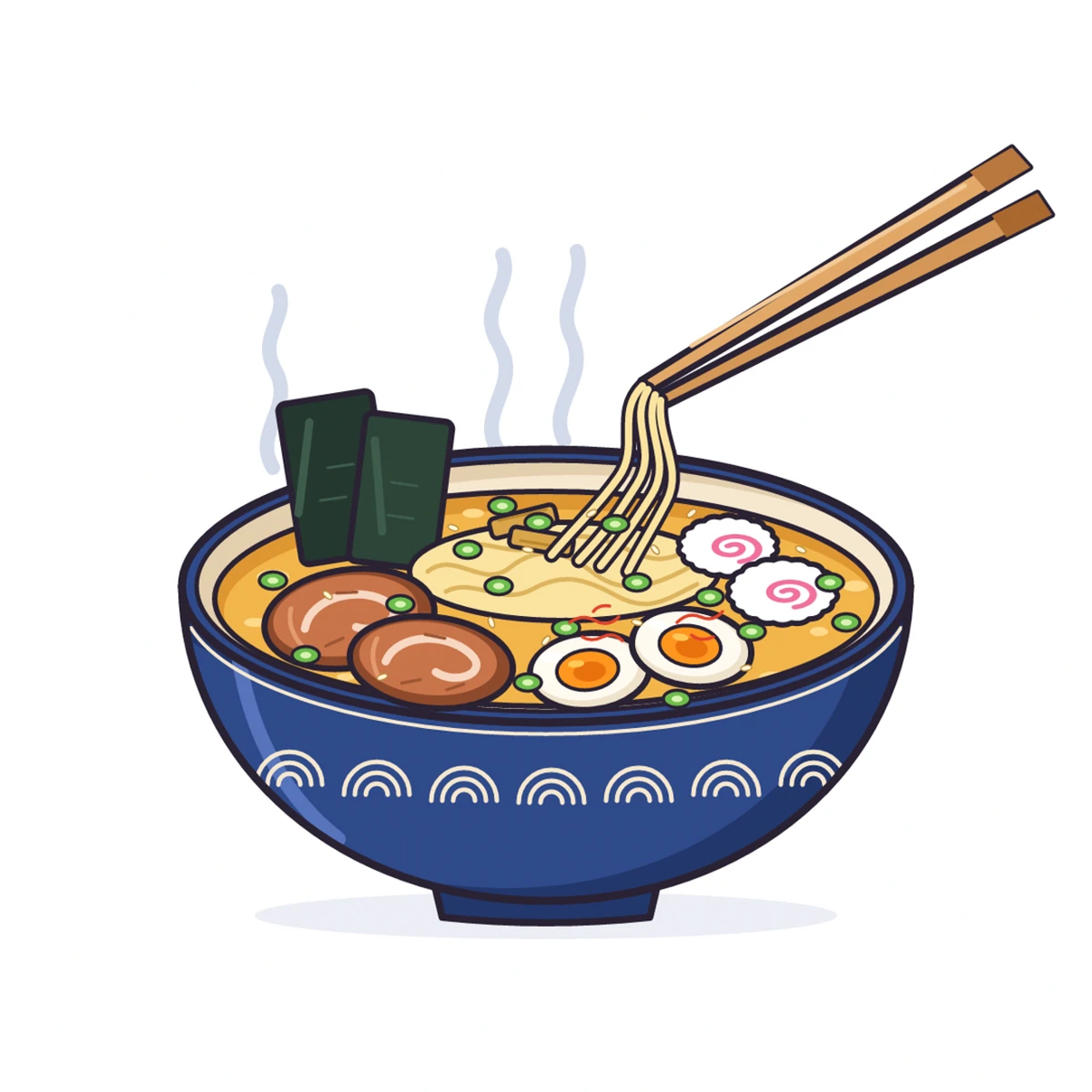
One object, lifted out of the file. How the layers work
1Base
A whole shape under it.2+ parts
Shading and details on top.3+ line art
Its line art, its own layer.This is the sample from the window above, magnified. The PNG on the left goes soft and blocky; our SVG on the right stays sharp. Drag the line or use the arrow keys.
Illustration sample: 271 paths, 27 colours, 265 KB.
Zoom into another sample
Curves stay smooth and edges stay crisp, on a phone icon or on a billboard.
A whole base, its parts on top, its line art on a layer of its own. Select a thing in one click and move or hide it. PNG to SVG with layers
The palette comes from your picture: a handful of colours instead of hundreds of near-twins.
It opens with its groups in these three. Transparent backgrounds stay transparent.
This coffee sticker is a real TarsiLabs SVG, unedited. Take a part off and the shape under it is whole. Change a colour, then download the file as you left it.
You hid every layer. Tick one to bring it back.
A light preview. The full editor lists every part here, moves parts, and has undo and redo.
Every picture in these scenes is one of our real SVG results.
Your channel mascot, as sharp in a thumbnail as on a hoodie.
Stickers, shirts and mugs with clean shapes and edges a cutter can follow.
AI-generated or old artwork as vectors you can open and edit in your design app. AI art to vector
A logo you can resize and recolour for a business card, a cup or a shop sign.
The prices at launch. Every picture gets a free preview; after the free ones, unlimited pictures with a 7-day pass or Creator.
$0
With an account
$4.99 / 7 days
Unlimited pictures, fair use
Best for most people
$6.30 / month$63 / year
First 3 months, founding offerFirst year, founding offer: $5.25 a month
Then $9 a month, the regular price at launch.Then $90 a year, the regular price at launch (2 months free).
These are the prices at launch, in November. Preview every picture free. A picture you keep downloads as often as you want, as SVG, PNG or PDF.
Unlimited pictures, fair use: plenty for one person’s own work. What fair use means
Founding offer: waitlist members who take Creator in the first 14 days after we open get 30% off: the first year of yearly ($63 instead of $90), or the first 3 months of monthly ($6.30 a month instead of $9). The 7-day pass keeps its price. The launch email gives the exact last day.
Prices in USD. Your local tax is shown at checkout.
Within 14 days of a purchase you get your money back if you haven’t kept a picture with it yet. A clearly broken result does not count. Refund policy
Join the waitlistWe email you the day it opens.
The questions people ask most.
TarsiLabs opens in November 2026. Join the waitlist and we email you that day. Until then, the samples on this page are real results you can compare, edit and download.
One email the day it opens, and 30% off Creator for waitlist members (the terms are with the prices above). At most a few emails before that, and you can leave the list anytime.
Yes, to convert your own pictures. You sign in with your email (we send you a link, no password) or with Google. The samples on this page work without one.
PNG, JPG and WebP, up to 10 MB, on every plan. Big pictures are scaled down for you first.
An SVG with clean, layered shapes in the colours of your picture. It opens right here in TarsiCanvas, our browser editor, and in Illustrator, Figma and Inkscape with its groups; it is a standard SVG for any other app that imports one.
Once, when you keep it: then download it as often as you want, as SVG, PNG or PDF. Converting and previewing are free, and a failed picture never counts.
Yes. Transparent areas stay transparent and no background is added.
Illustrations, logos, icons, cartoons, flat and AI-generated artwork. Photos can be converted, but they are not what TarsiLabs is made for.
Yes: hide, move, delete or recolour parts and compare with your original before you download. Try it on the coffee sticker above.
Only you can see them, and we never use them to train anything. We delete your upload after 24 hours, and a result you don’t unlock after 7 days. A result you unlock stays in your account until you delete it.
You do. Use it for anything you have the rights to use the original picture for.
If a picture you kept is clearly wrong, tell us: it does not count as a picture kept. Within 14 days of a purchase you can also ask for your money back, if you haven’t kept a picture with it yet.
TarsiLabs opens in November, and we email you that day.