Take one apart.
Eight real results from TarsiLabs, unedited. Pick one, lift its layers apart, then zoom in as close as you like.
Pick an example
Three layers, bottom to top
- Base shapesEach object starts as one whole shape.
- Shapes on topShading, highlights and details, each sitting on its base.
- LinesEach object’s line art, on top of its parts. Line art that several objects share sits in one group above them.

Show
- Paths
- 182
- Colours
- 33
- Groups
- 17
- File
- 176 KB
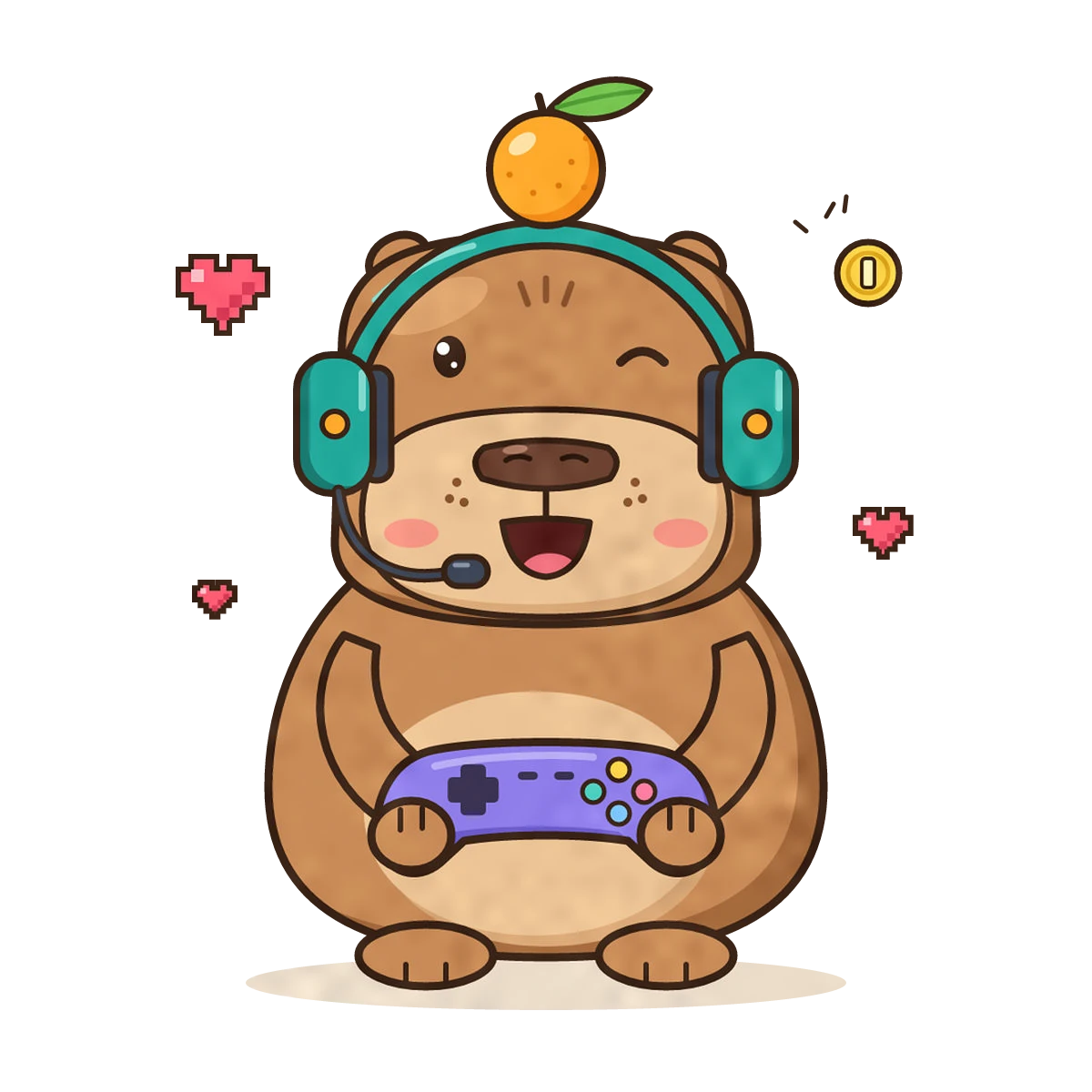
Opened the file? What would you change in it?
Zoom in until the PNG breaks.
Its pixels turn into squares. The SVG keeps its edges, with no light hairlines where two colours meet.
The eyes, freckles, nose and mouth, up close.
Drag the box, or focus it and use the arrow keys.
One scene, sorted two ways.
We group your file by object. Each thing in the picture gets one group: a whole base, its parts on top, its line art on a layer of its own. More on PNG to SVG with layers.
Your picture next.
TarsiLabs opens in November. Join the waitlist: 30% off Creator in the first 14 days after we open.